

-
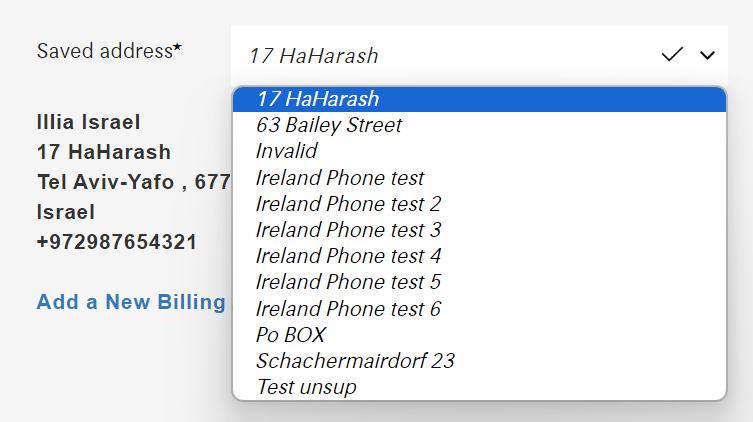
Multiple Valid Addresses: When more than one valid address is available, a dropdown menu is presented at checkout, allowing customers to select their preferred address.
-
Single Valid Address: If only one valid address is available, the dropdown is not displayed. Instead, the address is shown in “preview mode,” indicating it is ready for use in order creation.
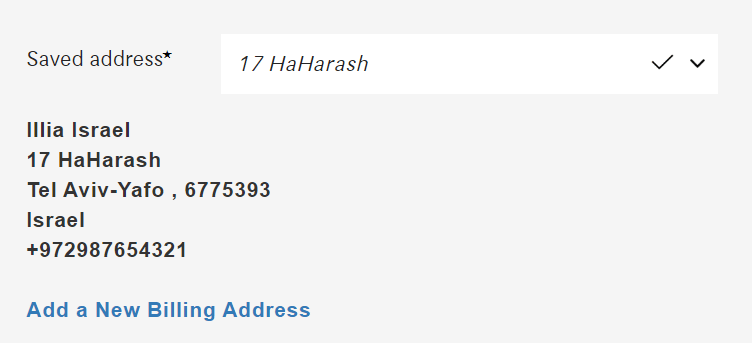
Classic Checkout Page
Address Management for Registered Users
For registered customers, the system supports receiving a list of saved addresses directly from the merchant, provided the merchant has the MAS setting enabled.
How it works
Saved addresses provided by the merchant are validated to ensure their accuracy and usability. Once validated, they are mapped within the system for seamless integration during checkout.
Address Display