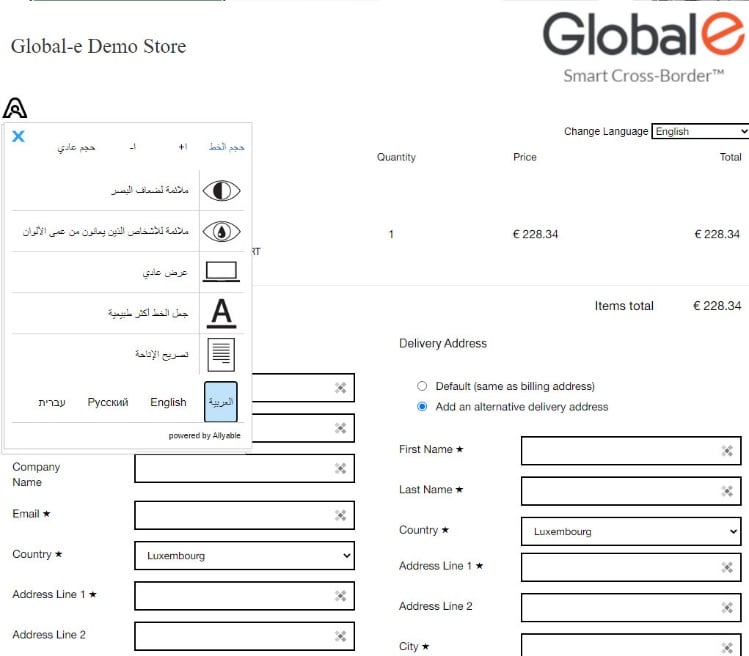
Accessibility Widget
The widget is displayed on the checkout page and assists visually impaired customers in easily configuring the page display for a better browsing experience.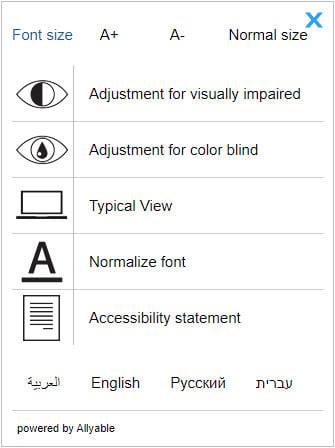
- Font size
- Adjustment for visual impairments
- Adjustment for colour blindness
- Typical view
- Normalize font
- Accessibility statement
Font Size
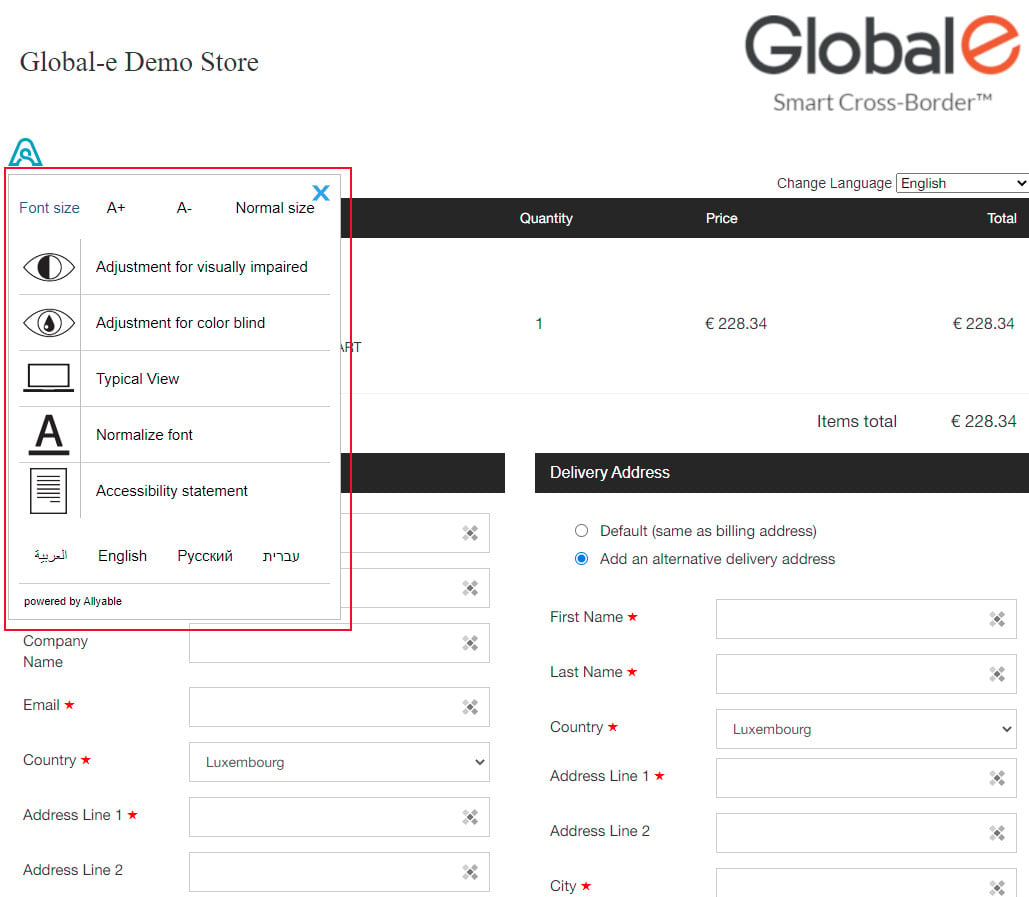
The font size can be adjusted using the settings at the top of the widget. To increase the font size click A+ and to decrease the font size click A-.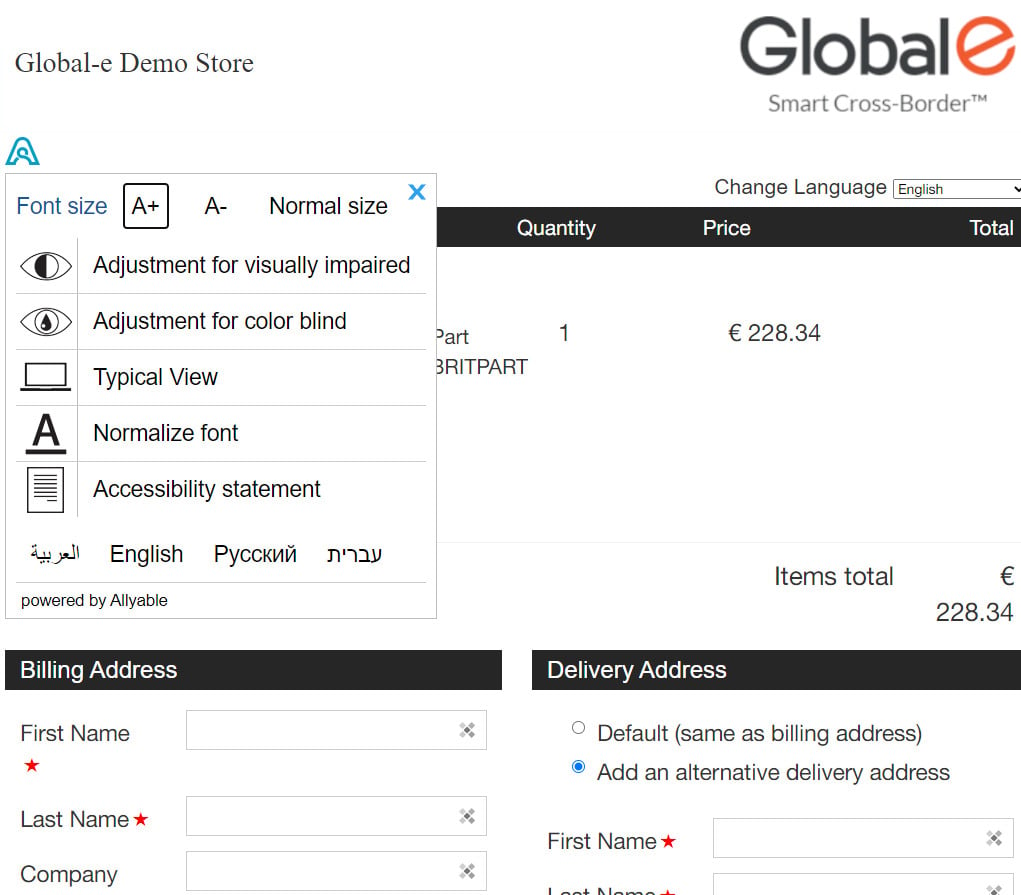
Adjustment for Visual Impairment
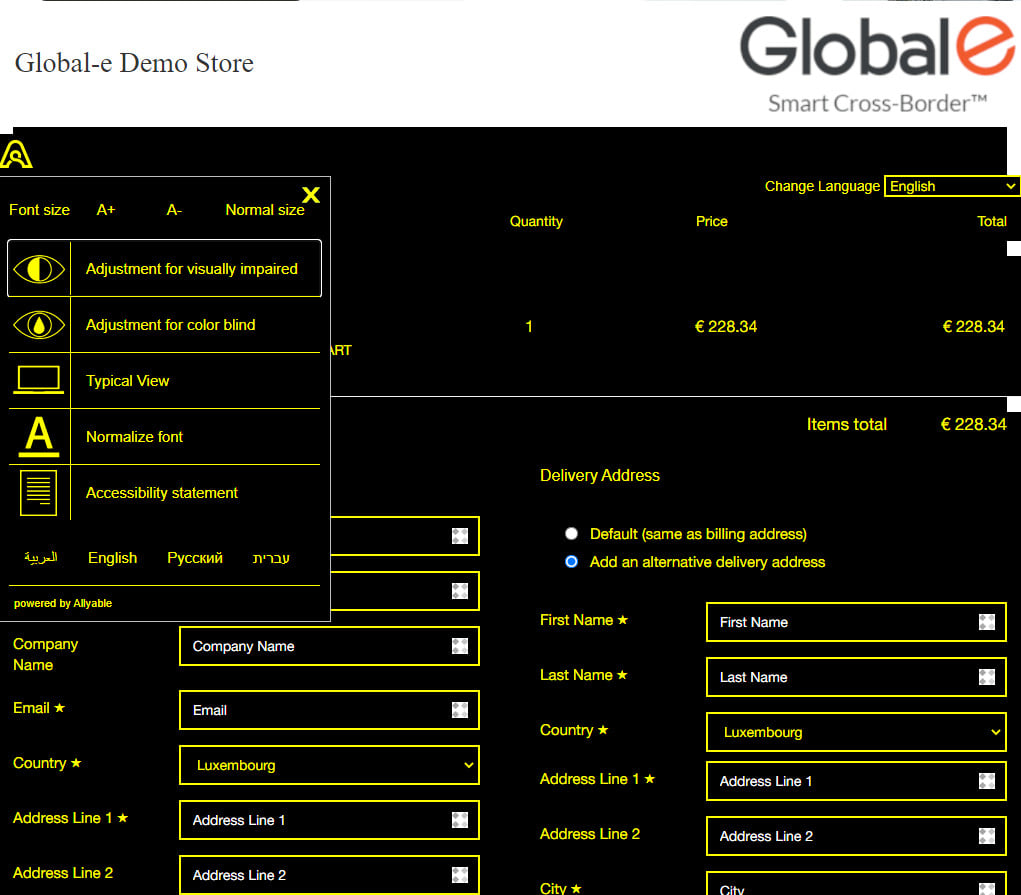
Enabling the setting converts the checkout page colours to high contrast colours (yellow over black).The checkout page is hosted in an iFrame. Therefore, the checkout reflects this adjustment but the page’s header is not affected.
Adjustment for Colour Blindness
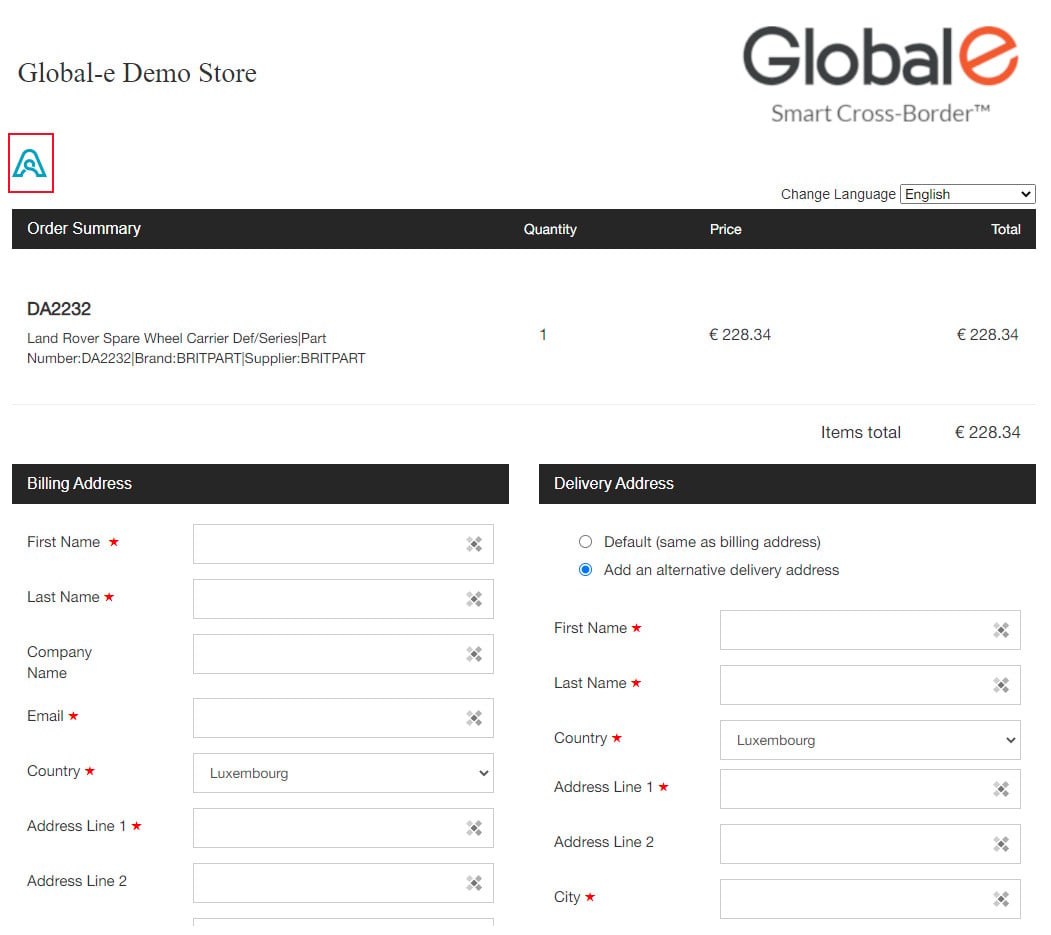
Enabling the settings for colour blindness converts the checkout page’s colours to black and white. The input fields have a dark frame to facilitate view and access.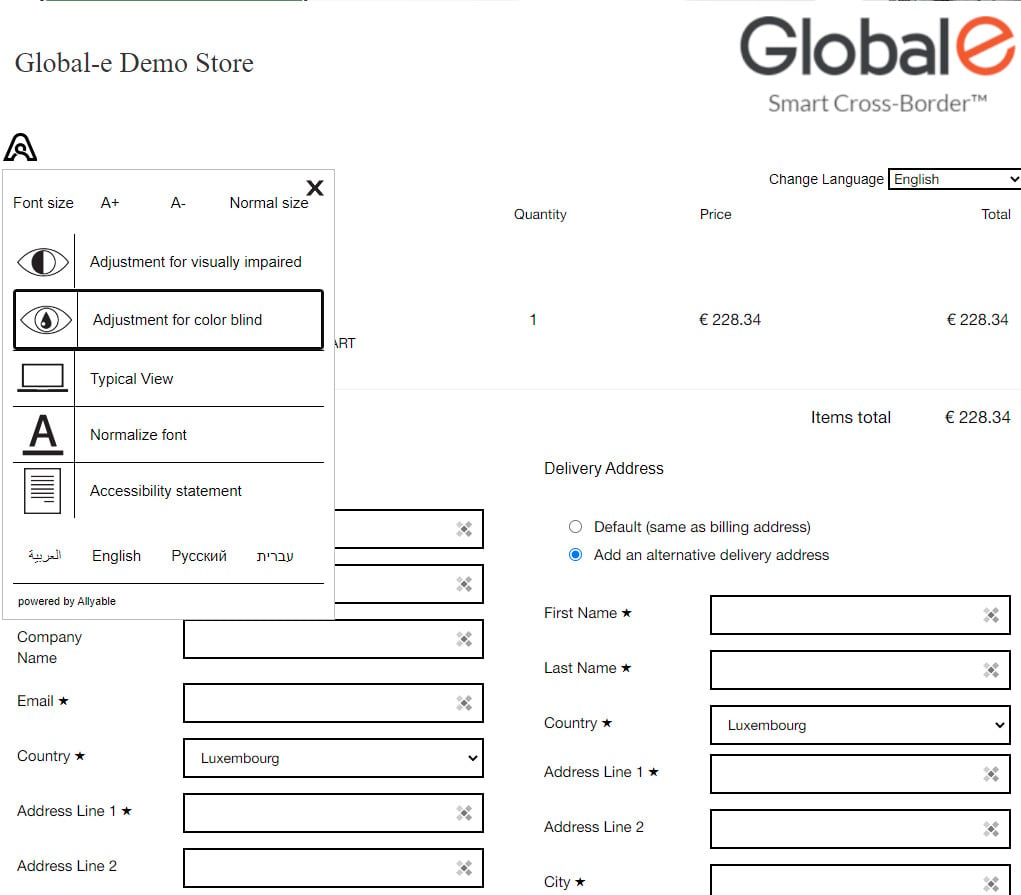
Typical View
This feature returns the display to the original settings.Normalize Font
This feature lets you display the Checkout Page in a more readable font for visually impaired users.Accessibility Statement
This opens the Accessibility Statement, explaining how the website accessibility works.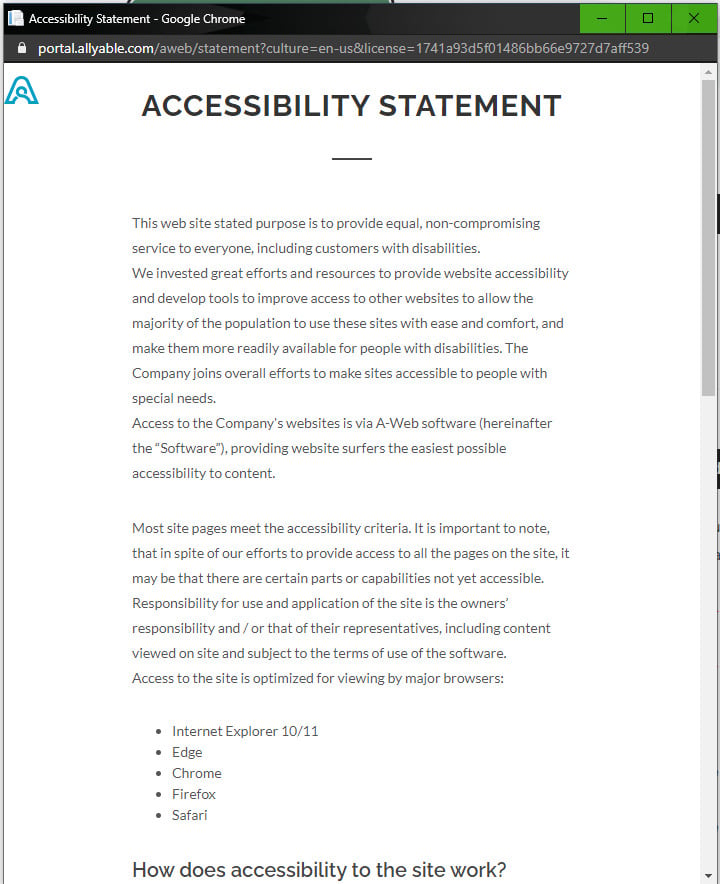
Widget Language
The widget’s language can be changed by clicking any of the four languages at the bottom. The widget supports the following languages:- Arabic
- English
- Hebrew
- Russian