

- In the left menu, navigate to to Settings > Return Policy.
- The Settings – Return Panel is displayed.
- On the right side of the screen, click Expand all.
-
Click the pencil icon located to the right of the policy rule you want to update.
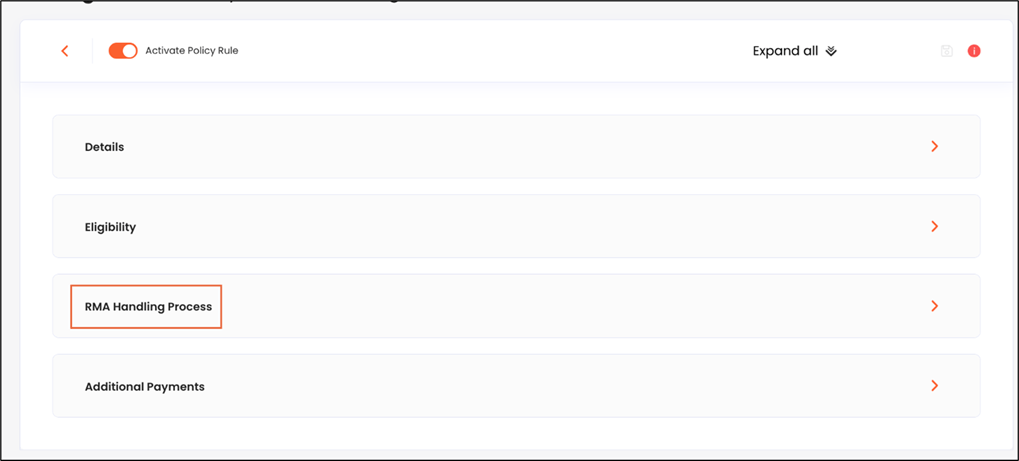
- The selected policy rule’s details are displayed.
- Expand the RMA Handling Process section.
- Configure Auto-Approval
- Configure Auto-Refund
- Set Auto-Mark as Done
- Set Mark as Done after Partial Validation
- Enable item validation
- Validate items
- Verify and monitor your automation results