

-
Login to the Global‑e Merchant Portal and navigate to the Process Orders screen:
Orders > Merchant Hub > Process Orders
Use this screen to process all orders that are shipped by Global-e carriers.
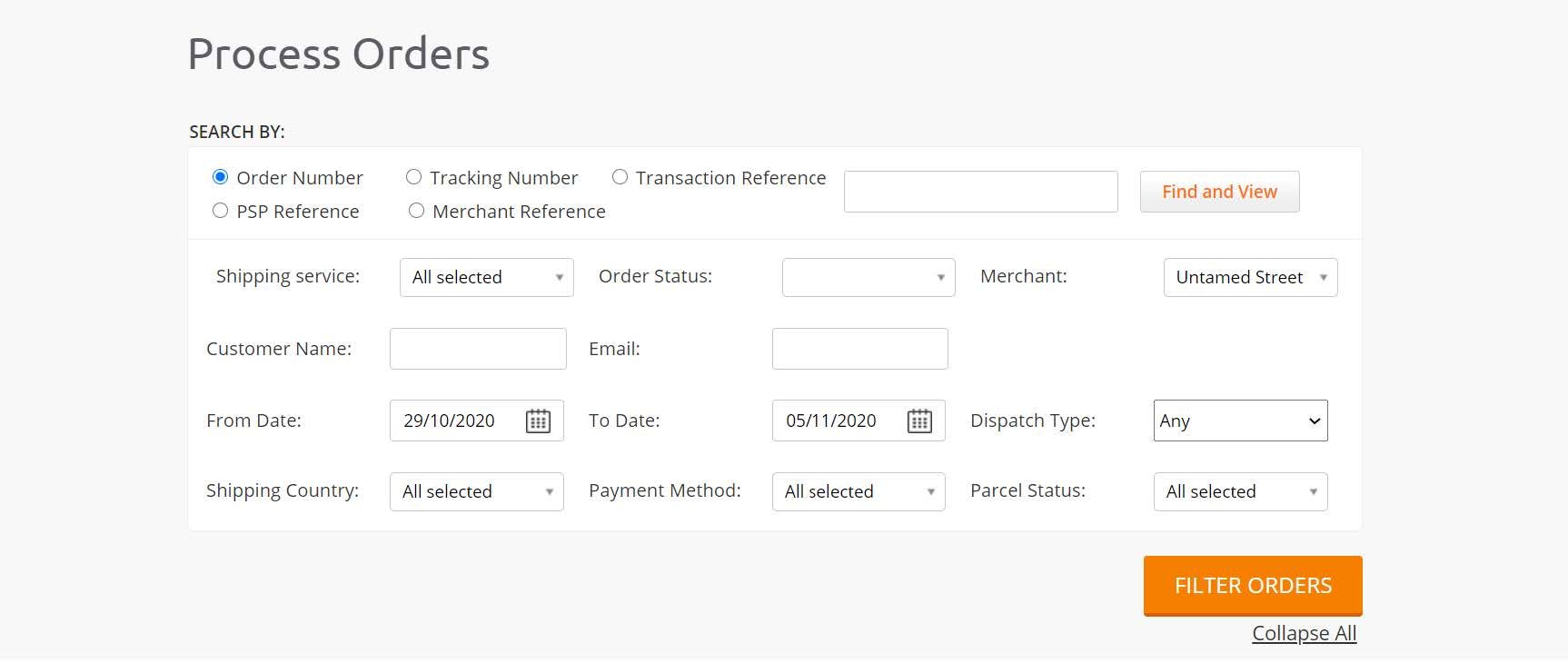
- Only orders that are ready to be shipped by Global‑e carriers are shown.
- Orders are displayed according to the date range filter.
Quick Start
Step 1: Process Orders Screen
To process Orders: