The Global-e integration relies internally on CSS selectors to locate various data points on your web store, using data from the following:
  • The HTML structure of the page
  • Objects
  • Attributes (and their values)
  • Elements with specific IDs
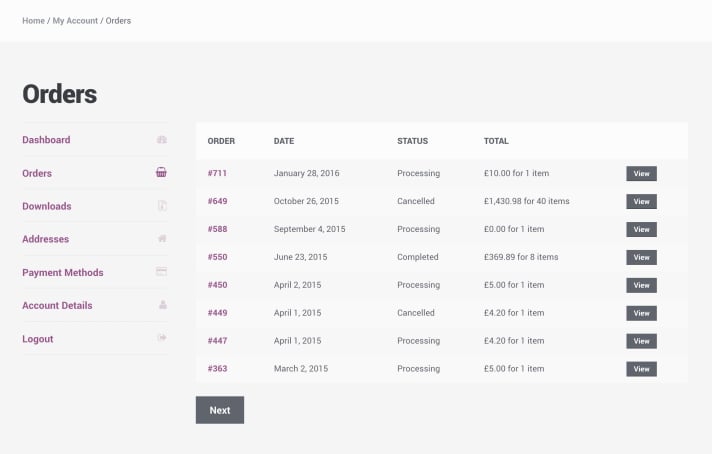
To ensure a robust and seamless workflow, we highly recommend implementing the storefront attributes outlined in this document. By doing so, our team can configure our internal CSS Selectors to target these specific attributes. This empowers you to make future updates to your web store without needing assistance from Global-e to adjust the selectors. Below is a detailed breakdown of the required attributes for the Orders List and Order Details including usage examples, explanations, and implementation notes. On the Order List page, you typically display a list of orders placed by a specific customer.
The following attributes must be added to the DOM elements to ensure accurate price conversion by Global-e: The Order Details page displays an expanded view of a single order.
To support accurate extraction of detailed information like subtotals, shipping, duties, and payment methods, the following attributes are required: MyAccount Page Storefront Attributes
  1. Static Rendering Preferred: These attributes should be rendered into the DOM on initial page load (SSR or CSR) and be available before the Global-e integration script is executed.
  2. Avoid Obfuscation: Do not mask, transform, or dynamically hide these attributes via JavaScript or CSS.
  3. Error Handling: Ensure values are not empty or malformed. If values are unavailable, consider hiding the MyAccount integration until valid data can be displayed.
If you encounter issues or want to validate your integration before going live, contact Global-e Customer Support. They can provide debugging tools, test scripts, and additional documentation tailored to your implementation.