Cancelled Order View
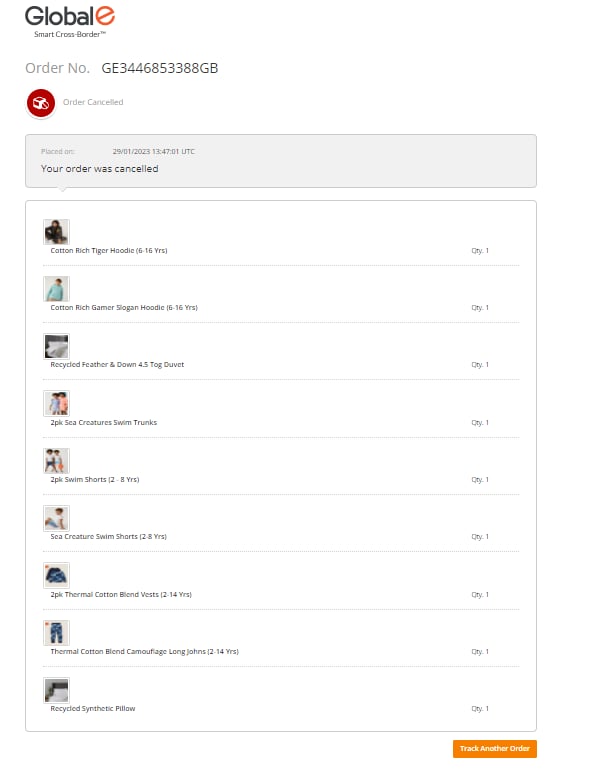
The cancelled order view opens when either Global-e, the merchant, or the customer cancels an order. The order shows one of the following statuses:- Cancelled by Global-E
- Cancelled by Merchant
- Cancelled by customer
Example of a cancelled order
Example of an order partially shipped
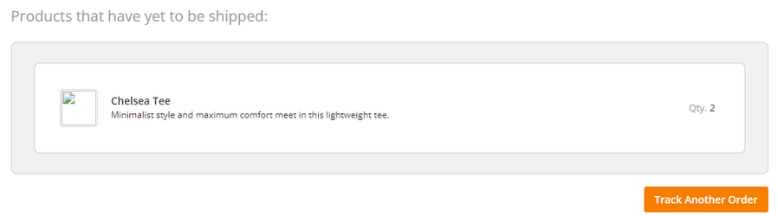
- There is at least one product for any parcel (ParcelProducts table); AND
- There are products in the original order (OrderProducts table), that are not part of any parcel (ParcelProducts table)
Single and Multiple Parcel Shipments
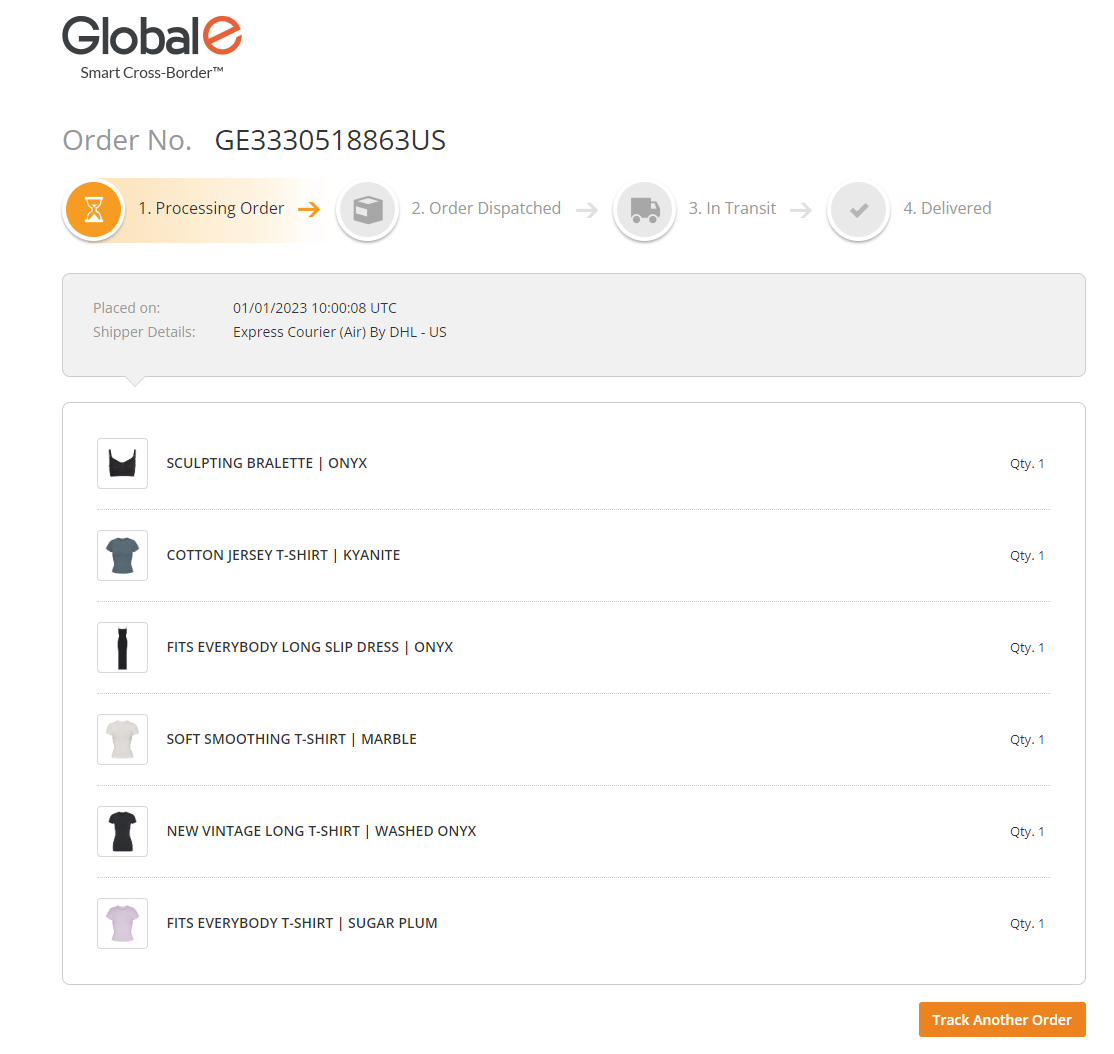
Example of a single parcel order
Example of multi-parcel order
In the following example, there are two parcels but one tracking number.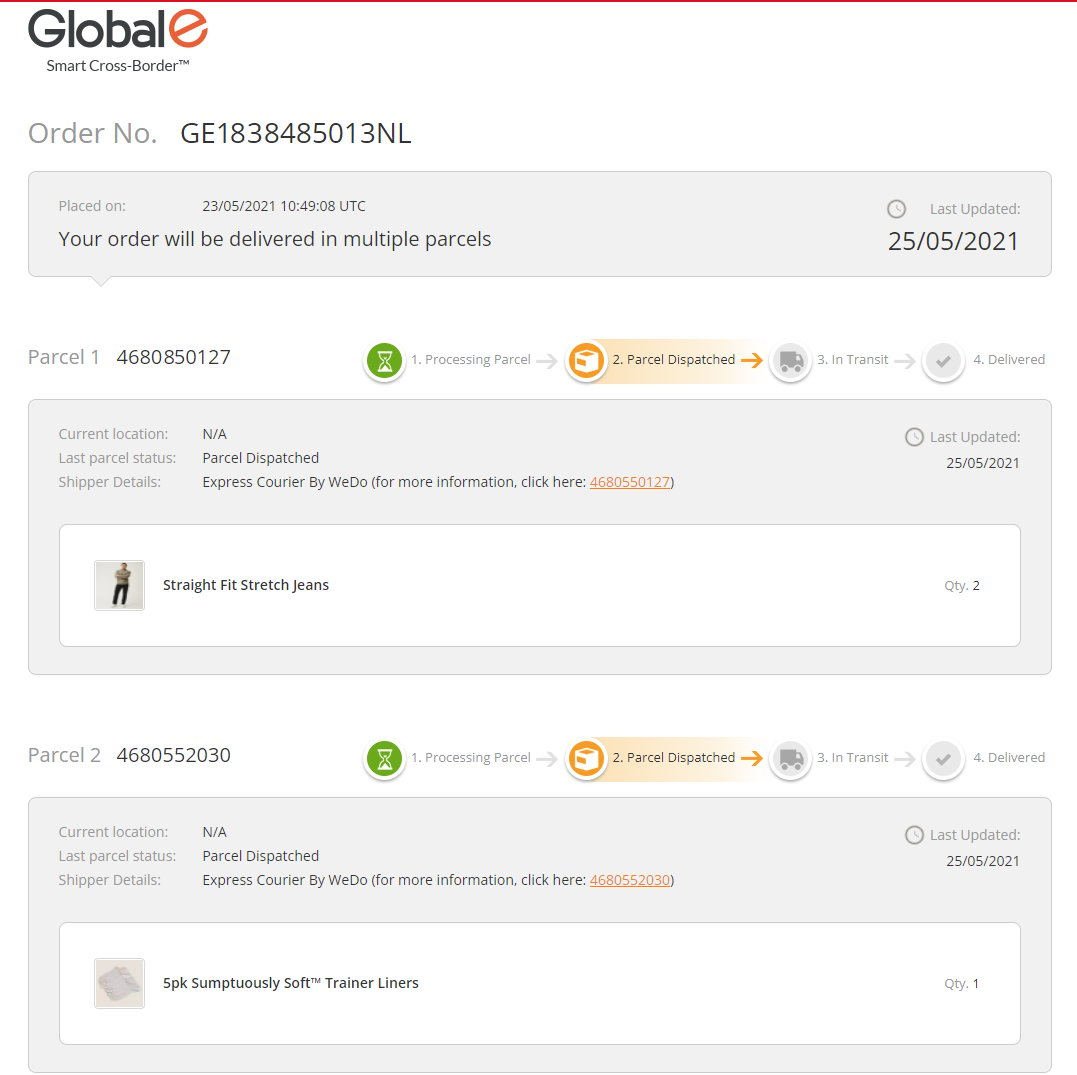
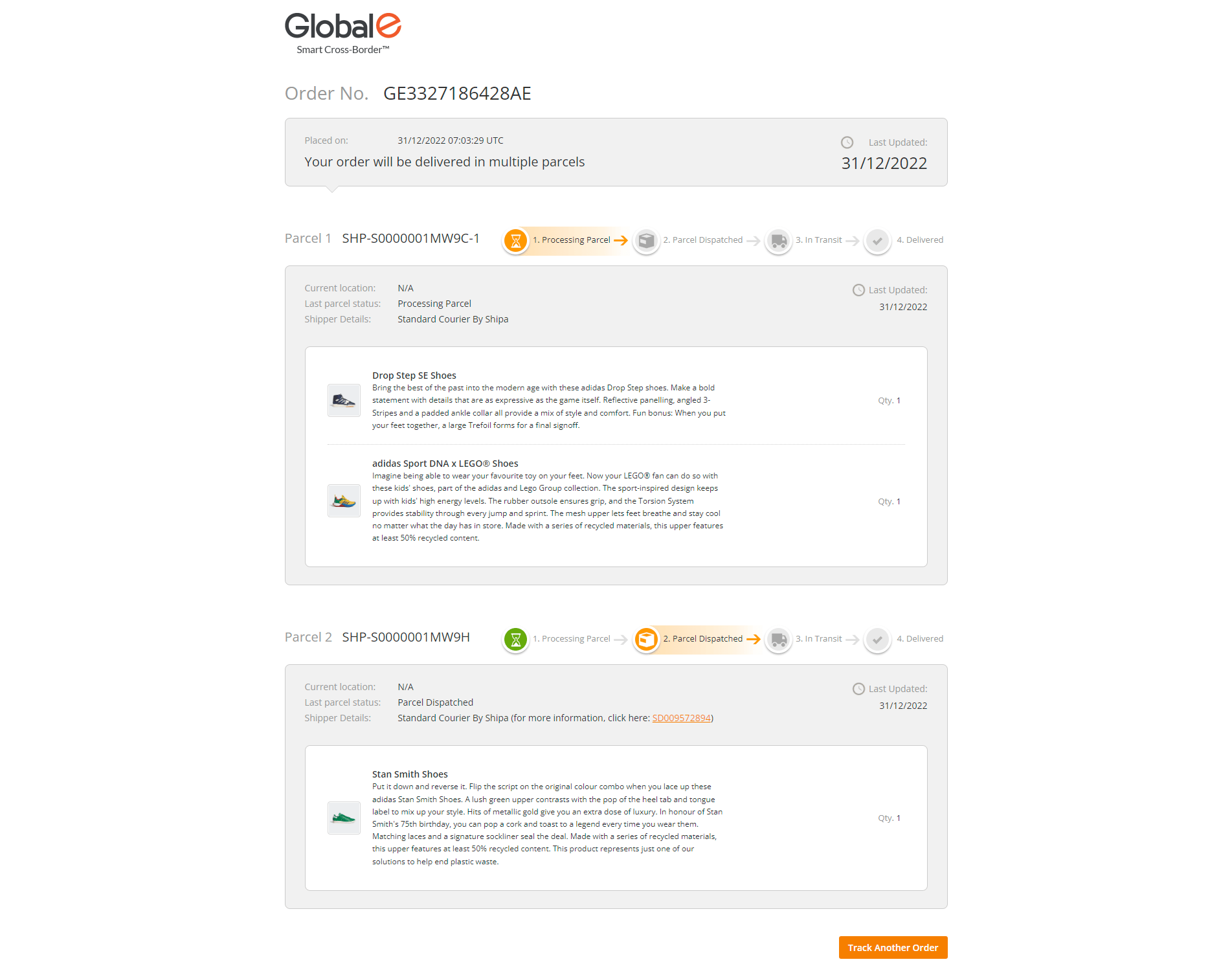
Example of a split order
Note that there are multiple tracking numbers. In the following example, the first package is in status processing, the second has been dispatched.