Overview
The Tracking Portal allows customers to track their shipments by entering the Global-e Order ID or theMerchant Order ID and the email address used to place the order. The merchant can request that Global-e sets the Tracking Portal to show a branded merchant logo to your customers The order and shipping confirmation emails you received from Global-e include the Order ID. The Global‑e Order ID or the Merchant Order ID. The email address you used to place the order. The Tracking Portal supports English only.Tracking an Order
To track an order:-
Access the Tracking Portal:
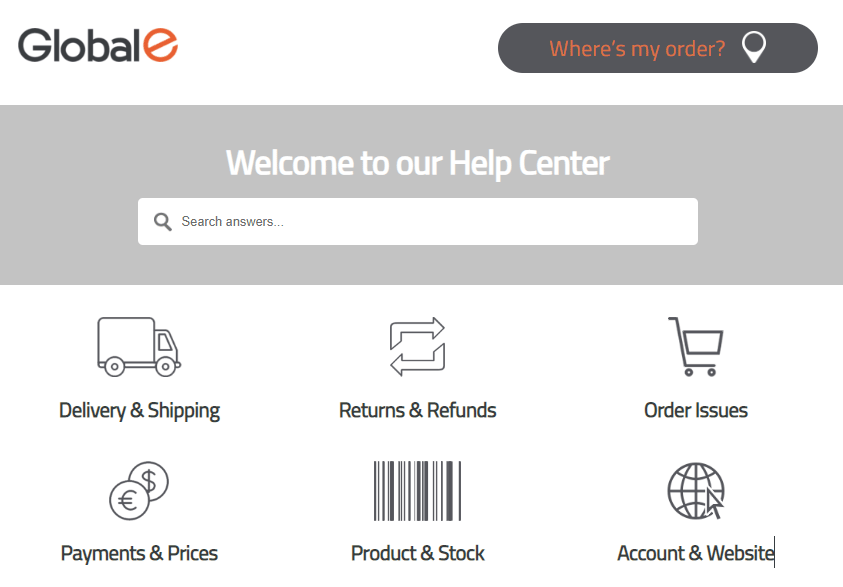
From the Tech Support Help Center, click Where is My Order?
Alternatively, you can access the Tracking Portal directly: https://service.global-e.com/track-my-order The Tracking Portal opens showing the Track Orders view.
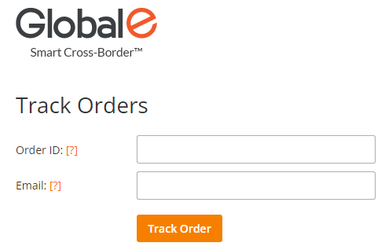
- Enter your Global‑e Order ID or Merchant Order ID.
- Enter the email address used to place the order.
-
Click Track Order.
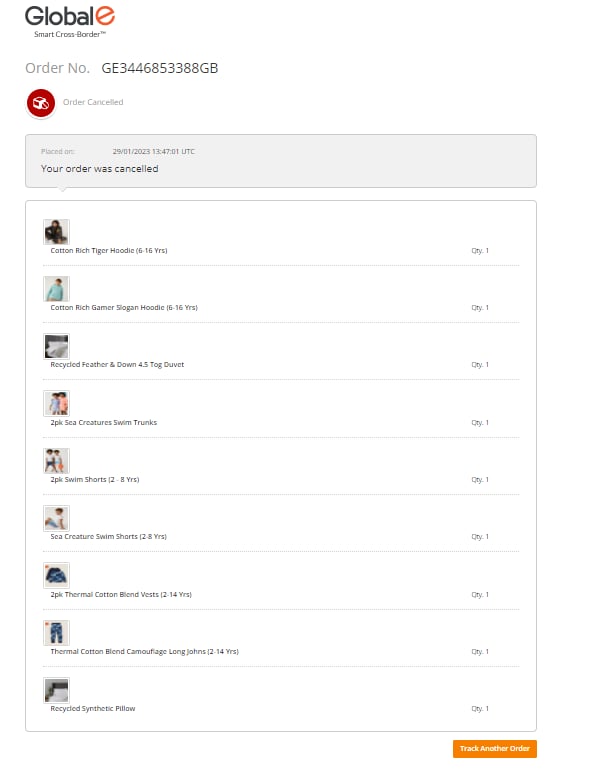
The order opens, showing the order details and status, and the Order ID as you entered it.
 Note for the Merchant: You can request that Global‑e adds the following product parameters for
TrackingPortalProductAttributesFormatDefault:%Product Image% %Product Name% %Product Description%Supported parameters:{ProductName}{ProductDescription}{DutyCategoryName}{ProductCode}{ProductMetaData}{ProductGroupCode}{FirstProductCategory}{LastProductCategory}
- Optional: If required. click Track Another Order. You are redirected to the Track Orders view. The Order ID and email address are cleared.
- Marketplace Order - If the order has an associated marketplace order ID, then the order identifier can accept the marketplace order ID.
- Mixed Order - Once searching for a sub-order, all the Mixed Order associated parcels will be displayed with an appropriate tracking status. Searchable by Merchant Order ID / Global-e Order ID.
Error Messages
An error message is displayed in the following cases.| Error | Description |
|---|---|
| Sorry, we couldn’t find that order id in our database | There is no order that matches the provided order ID and email. Make sure to enter the correct order ID and email address. |
| There are multiple orders with these details | We found several orders for this merchant (or marketplace) order ID and email combination. |
| Enter a valid mail address | Make sure to enter the email address used to place the order. |
Tracking Status
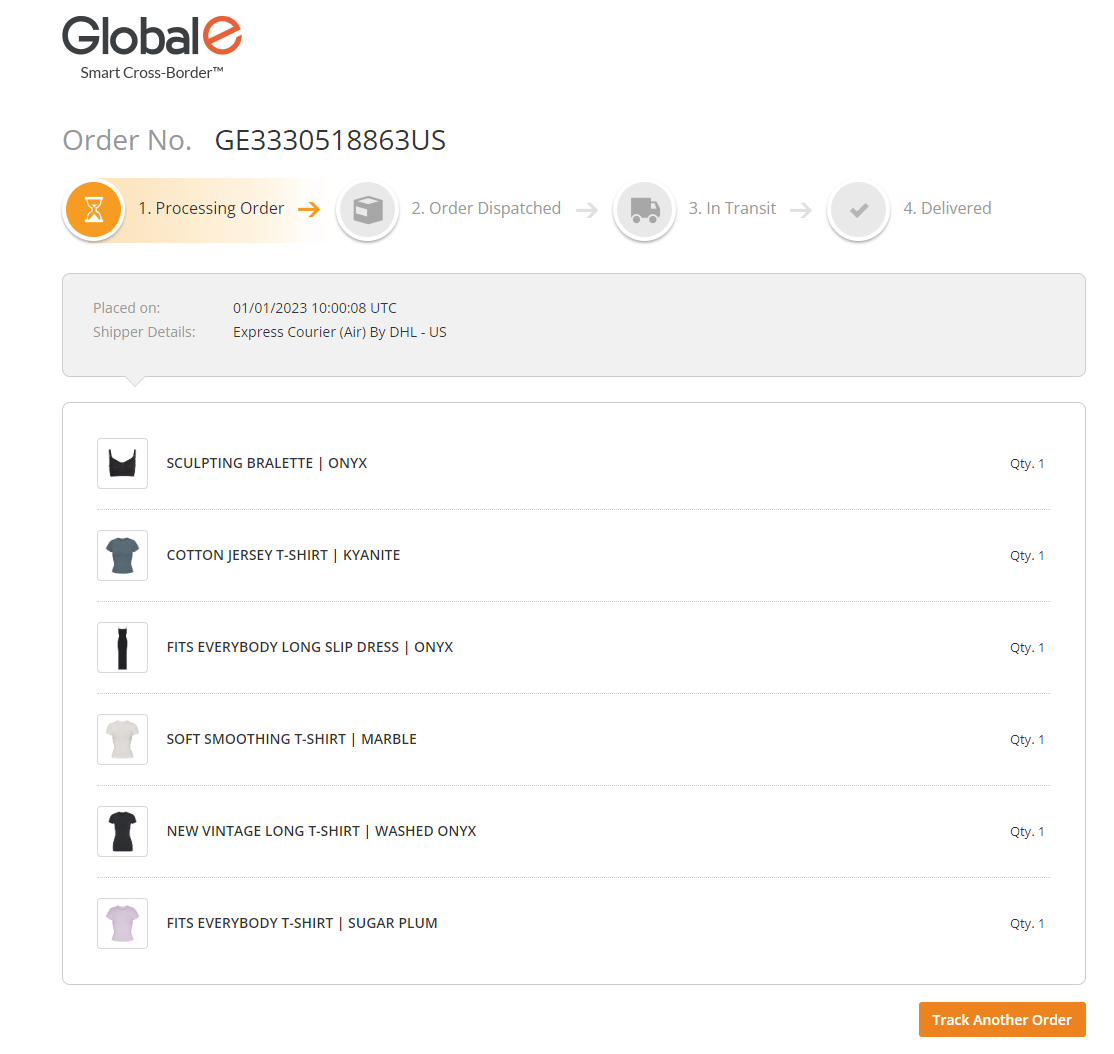
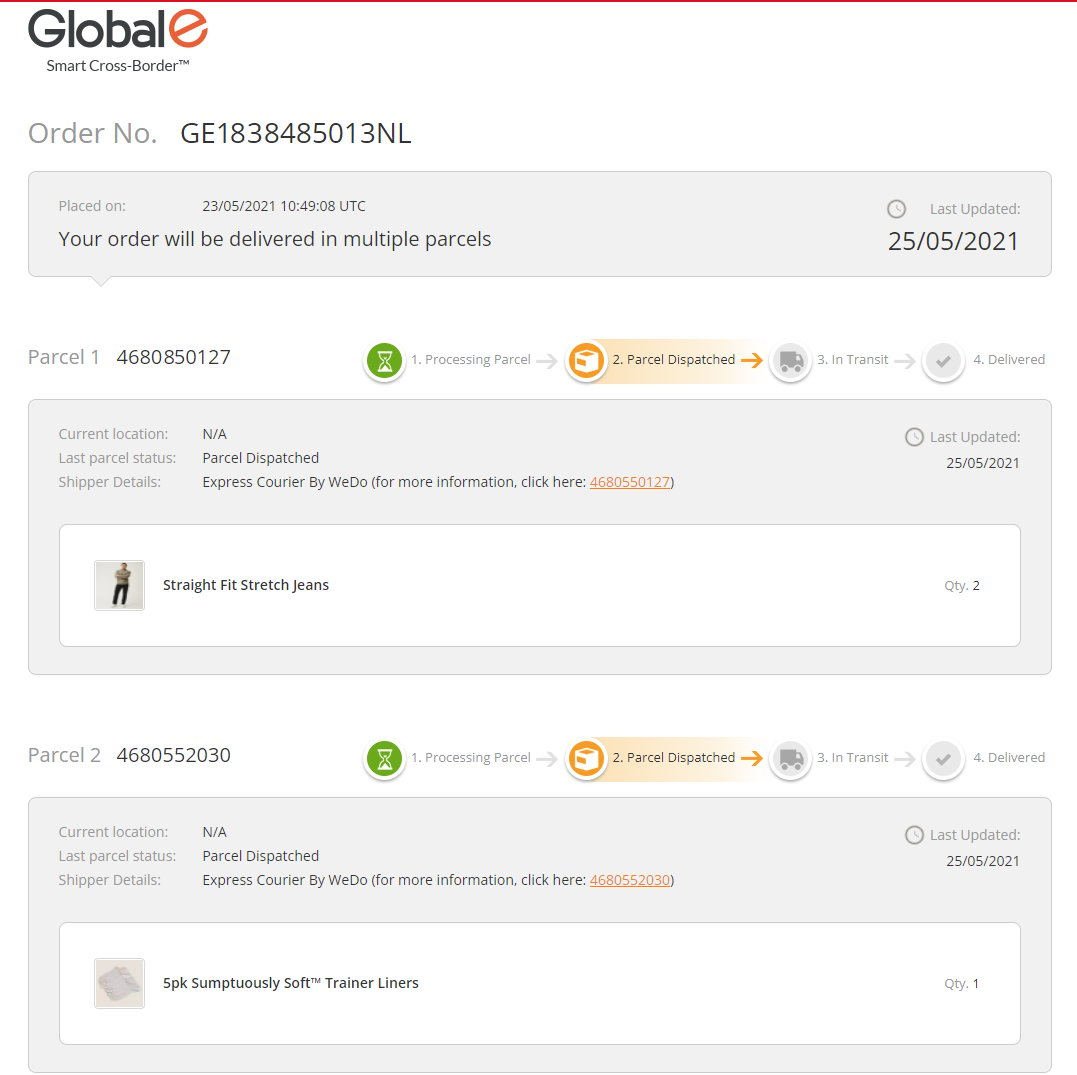
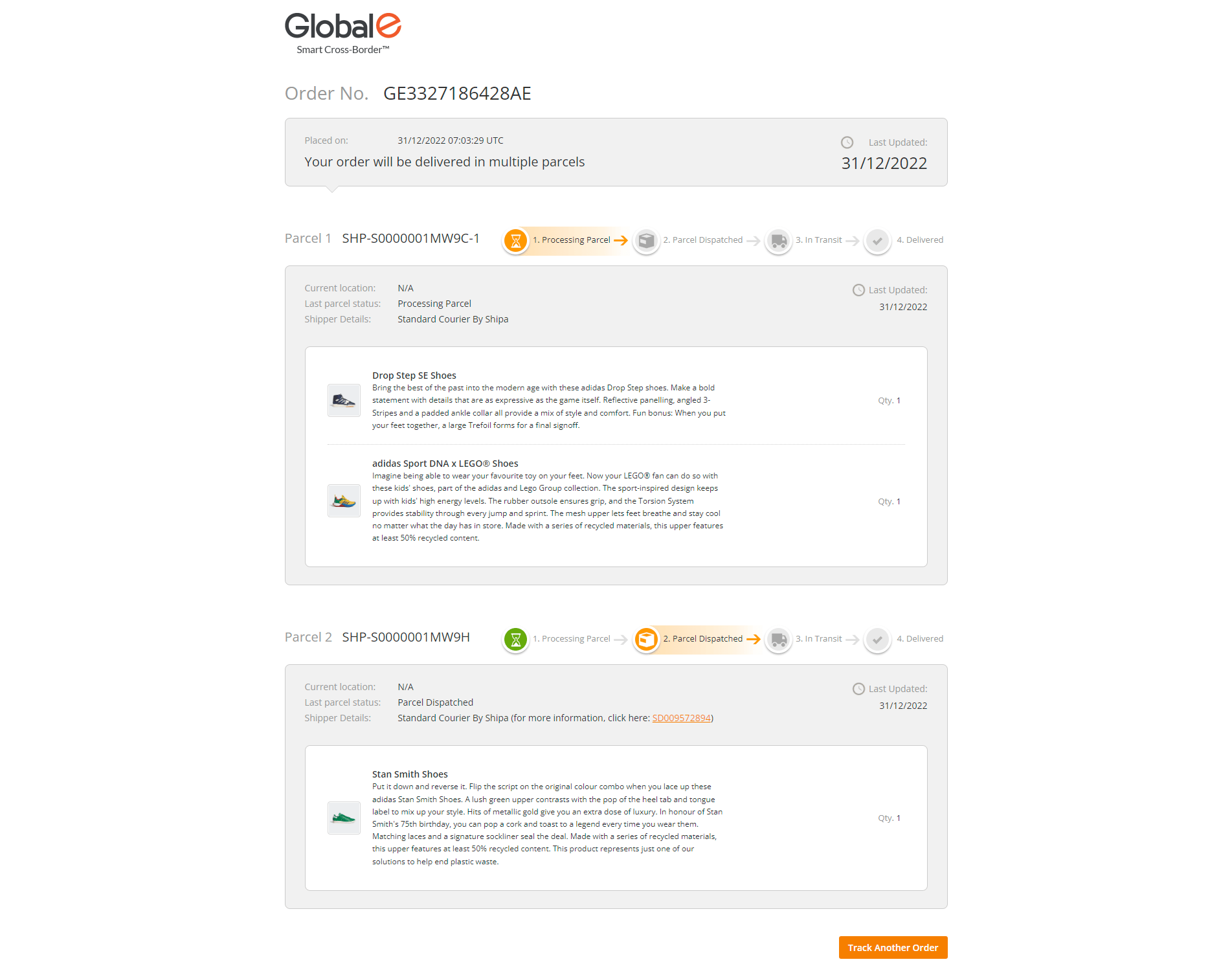
This section illustrates some tracking statuses. You can view the list of all statuses on the Merchant Portal (General tab).Cancelled Order View
The cancelled order view opens when either Global-e, the merchant, or the customer cancels an order. The order shows one of the following statuses:- Cancelled by Global-E
- Cancelled by Merchant
- Cancelled by customer
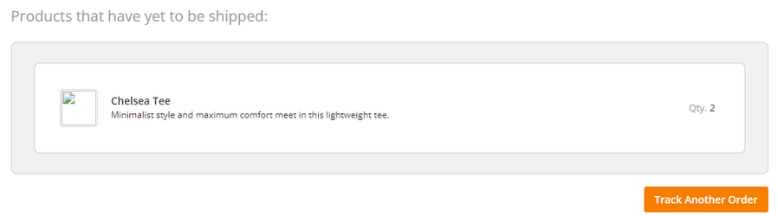
- There is at least one product for any parcel (ParcelProducts table); AND
- There are products in the original order (OrderProducts table), that are not part of any parcel (ParcelProducts table)
Single and Multiple Parcel Shipments