> ## Documentation Index
> Fetch the complete documentation index at: https://pro-docs.bglobale.com/llms.txt
> Use this file to discover all available pages before exploring further.
# Configuration
The Global‑e Magento2 Lite extension provides a configuration screen that allows actual activation of Global‑e Integration on the website along with other settings You can access this by navigating to *Stores > Configuration > Services > Global-E Integration Lite:*
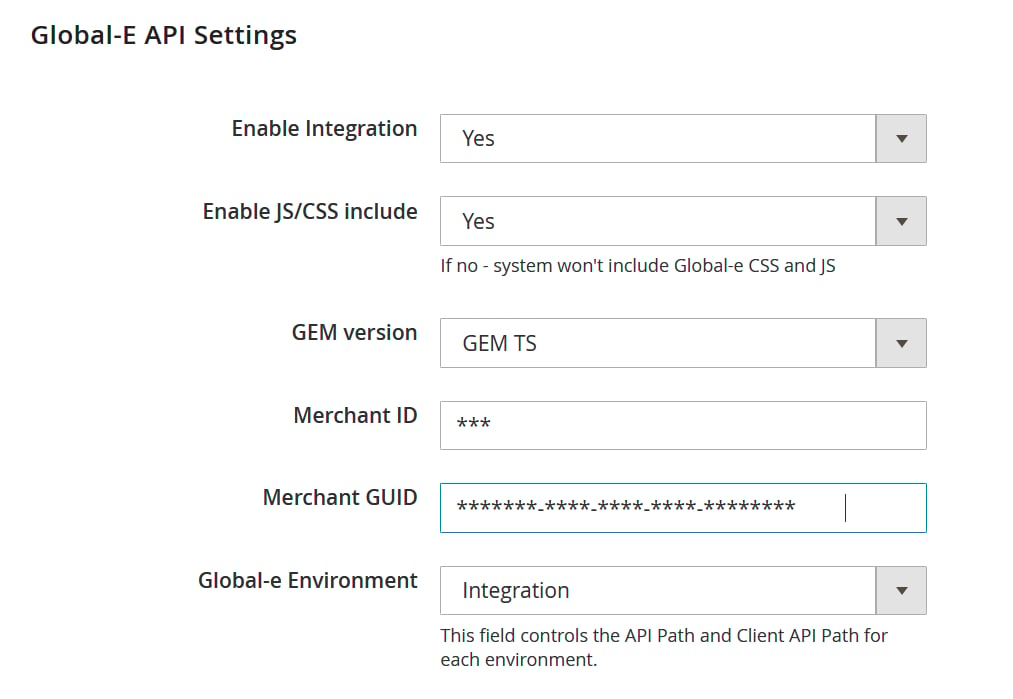 All configuration details will be provided by Global‑e during the integration step.