> ## Documentation Index
> Fetch the complete documentation index at: https://pro-docs.bglobale.com/llms.txt
> Use this file to discover all available pages before exploring further.
# Adding Users
1. Navigate to *System > Users*.
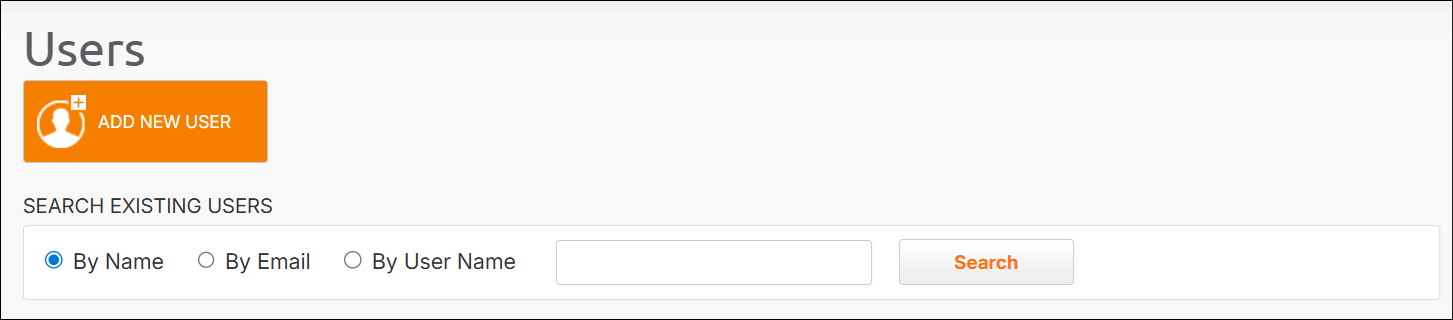 2. Click **Add New User**.
3. Define the following:
* First name
* Last name
* Email
* Phone number
4. Assign a user role or roles.
Some roles, such as Merchant Admin and Merchant CS, require you to select at least one merchant.
2. Click **Add New User**.
3. Define the following:
* First name
* Last name
* Email
* Phone number
4. Assign a user role or roles.
Some roles, such as Merchant Admin and Merchant CS, require you to select at least one merchant.